River Finance
Envelope budgeting where every dollar in your accounts has a job, synced with your bank and the same on your iPhone and your Mac.
- Year
- 2026
- Runs on
- iPhone, macOS
- Built with
- Rust, Swift, SwiftUI, Tauri, SvelteKit, TypeScript, SQLite, Convex, Plaid, Vercel AI SDK, App Store
- Built together with
- Mikael Weiss
The problem
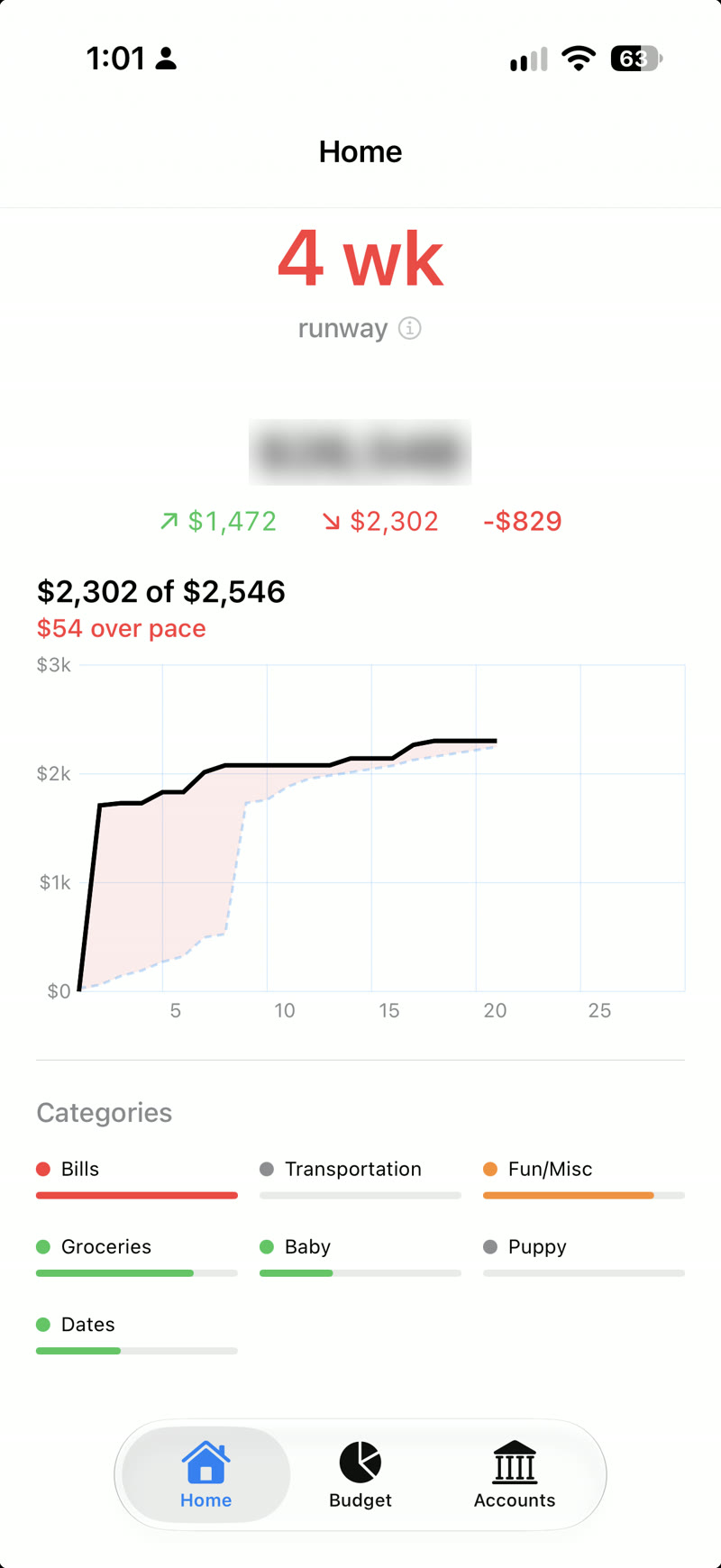
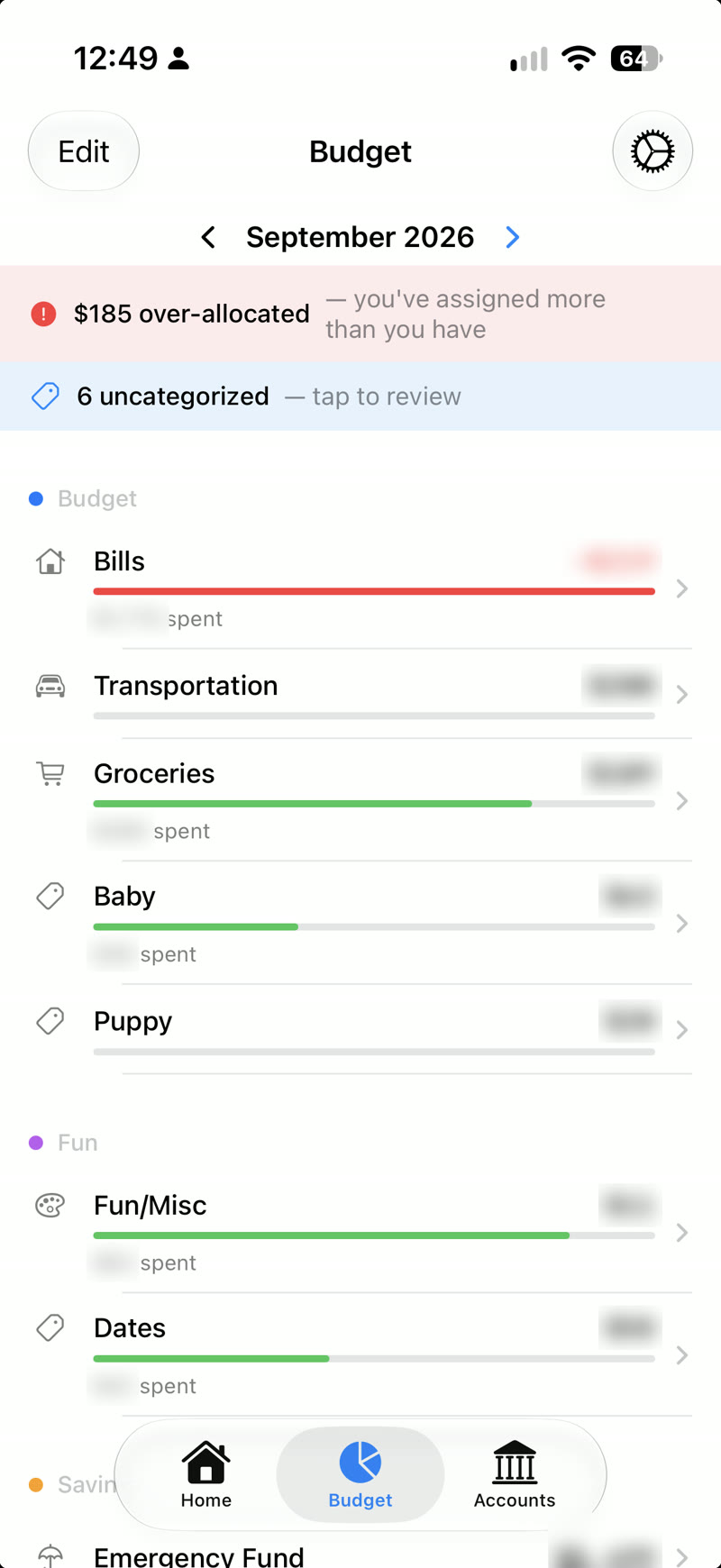
Most budgeting apps either link every account and bury you in charts, or they’re spreadsheets with extra steps. I wanted envelope budgeting, where the money in the bank is split into categories that roll over month to month, that took a few seconds a day and worked the same on my phone and my laptop.
What I built
I built River with my friend Mikael Weiss. Everything important lives in one Rust core: the Mac app is built with Tauri on top of it, and the iPhone app is a native SwiftUI wrapper around the same core, the same approach I used for Nichi. The core enforces a single rule that everything else depends on: the total in your accounts always equals the total in your categories, so an unassigned dollar shows up the moment it appears.
Bank accounts sync through Plaid, or you can track an account by hand. New transactions categorize themselves: rules you set per merchant apply first, and anything they don’t cover goes to an AI model in a background queue, so a synced bank feed arrives already sorted. Everything is saved to a local database first and synced across devices in the background, so the app never waits on the network. Sign-in is a link sent by email, with no password to remember.
Result
River runs our household budget every day, on both of our phones and the Mac.